Learn Adobe After Effects 2026


- Description
- Curriculum
- FAQ
- Reviews
- Grade
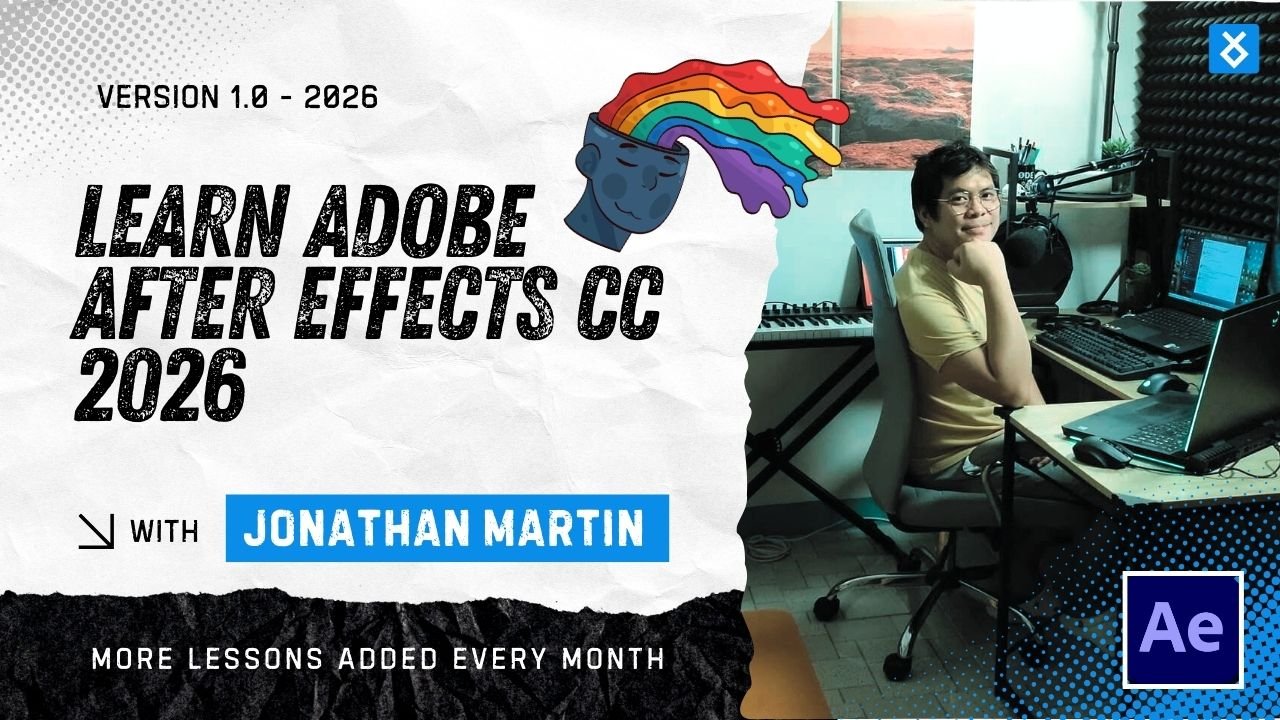
Adobe After Effects is the industry standard for motion graphics, animation, and visual effects. In this complete Adobe After Effects 2026 course, you will learn how to create professional-quality animations, motion graphics, social media content, animated infographics, and visual effects from scratch.
This course is designed to take you from absolute beginner to confident After Effects user, even if you have never opened the software before. You will start with the fundamentals, build strong animation skills, and gradually move into advanced techniques used by professional motion designers, video editors, and content creators.
By the end of the course, you will be able to design dynamic motion graphics, animate text and shapes, create social media videos, build branded animations, and export optimized content for multiple platforms. This course follows real-world workflows, modern design standards, and After Effects 2026 best practices.
Whether you want to enhance your creative skills, grow your freelance career, or add motion graphics to your existing video editing workflow, this course gives you the tools, confidence, and practical experience to do so.
By the end of this course, you will be able to:
-
Navigate and customize the Adobe After Effects 2026 interface
-
Understand compositions, layers, timelines, and keyframes
-
Create smooth, professional animations using animation principles
-
Animate text, shapes, and vector graphics
-
Design motion graphics for branding, marketing, and social media
-
Create short-form vertical videos for Reels, Shorts, and TikTok
-
Build animated infographics and data visualizations
-
Apply effects, presets, masks, mattes, and compositing techniques
-
Perform basic visual effects, motion tracking, and rotoscoping
-
Use expressions to automate and enhance animations
-
Work efficiently with Premiere Pro using Dynamic Link
-
Optimize performance and manage large After Effects projects
-
Render and export videos for web, social media, and broadcast
-
Build a motion design portfolio with real-world projects


-
A computer capable of running Adobe After Effects 2026
-
Adobe After Effects 2026 installed (trial or full version)
-
Basic computer skills (no prior After Effects experience required)
-
Optional: Adobe Premiere Pro for workflow integration lessons
This course is ideal for:
-
Beginners who want to learn Adobe After Effects from scratch
-
Graphic designers who want to add motion graphics to their skillset
-
Video editors who want to enhance projects with animations and effects
-
Social media managers and content creators
-
Freelancers and creative professionals
-
Marketing, branding, and corporate content teams
-
Students and creatives exploring motion design as a career
No prior animation or motion graphics experience is required.