Learn Adobe Premiere Pro 2026

- Description
- Curriculum
- FAQ
- Reviews
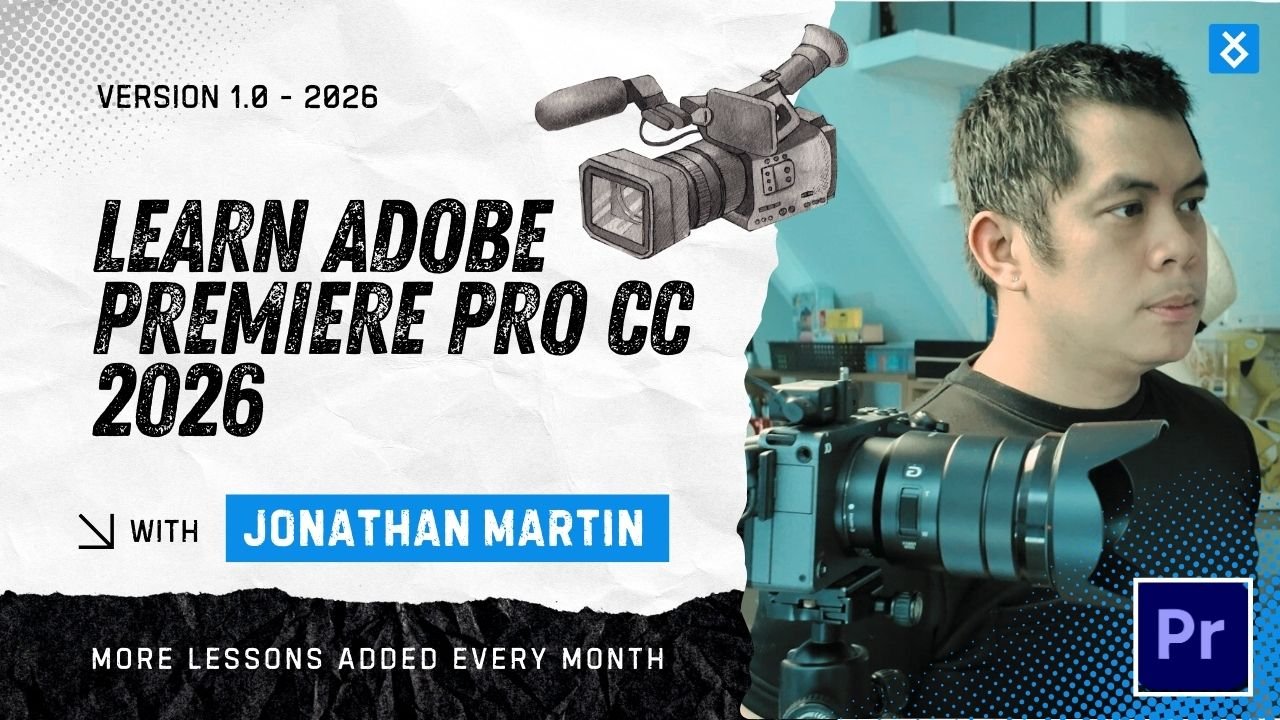
This course is designed and created by Jonathan Martin to provide a clear, practical, and beginner-friendly introduction to Adobe Premiere Pro. It focuses on real-world editing skills rather than theory alone, allowing learners to gain confidence through hands-on workflows used by professional editors.
Learners are guided through the complete editing process, from importing and organizing footage to editing, enhancing visuals and audio, and exporting finished videos for different platforms. The course emphasizes clarity, efficiency, and industry-relevant techniques suitable for content creation, marketing, training videos, and personal projects.
By the end of the course, learners will have a strong foundation in video editing and the skills needed to continue developing advanced techniques or pursue professional opportunities in digital media.
-
1
 Course Orientation & Expectations
 -
2
Introduction to Adobe Premiere Pro 2026
-
3
What is Adobe Premiere Pro / After Effects Difference
-
4
Installing and Launching Premiere Pro
-
5
Video Resolution, Frame Rates, and Aspect Ratios
-
6
Video Editing Fundamentals and Terminology
-
7
Understanding Non-Linear Editing and Workflow
-
8
 Tip of the Jar
Video source is missing or invalid.
By the end of this course, learners will gain a solid, practical understanding of Adobe Premiere Pro and the complete video editing workflow.
You will learn how to import and organize media, edit videos confidently using professional tools, apply clean cuts and transitions, enhance visuals through basic color correction and creative grading, and improve audio quality for clear, balanced sound.
The course also covers creating titles and graphics, working with B-roll footage, animating elements with keyframes, and exporting videos for YouTube, social media, and professional use. Through real-world editing techniques and best practices, learners will build the skills needed to produce polished, engaging videos independently.
To take this course, learners should have:
-
A computer or laptop capable of running Adobe Premiere Pro
-
Adobe Premiere Pro installed (trial or paid version)
-
Basic computer skills (file management, mouse, keyboard use)
-
No prior video editing experience required
This course is ideal for:
-
Beginners with no prior video editing experience
-
Aspiring video editors and content creators
-
YouTubers and social media creators
-
Freelancers and creatives expanding their skill set
-
Marketers, entrepreneurs, and educators creating video content
-
Students and professionals seeking a practical editing skill